
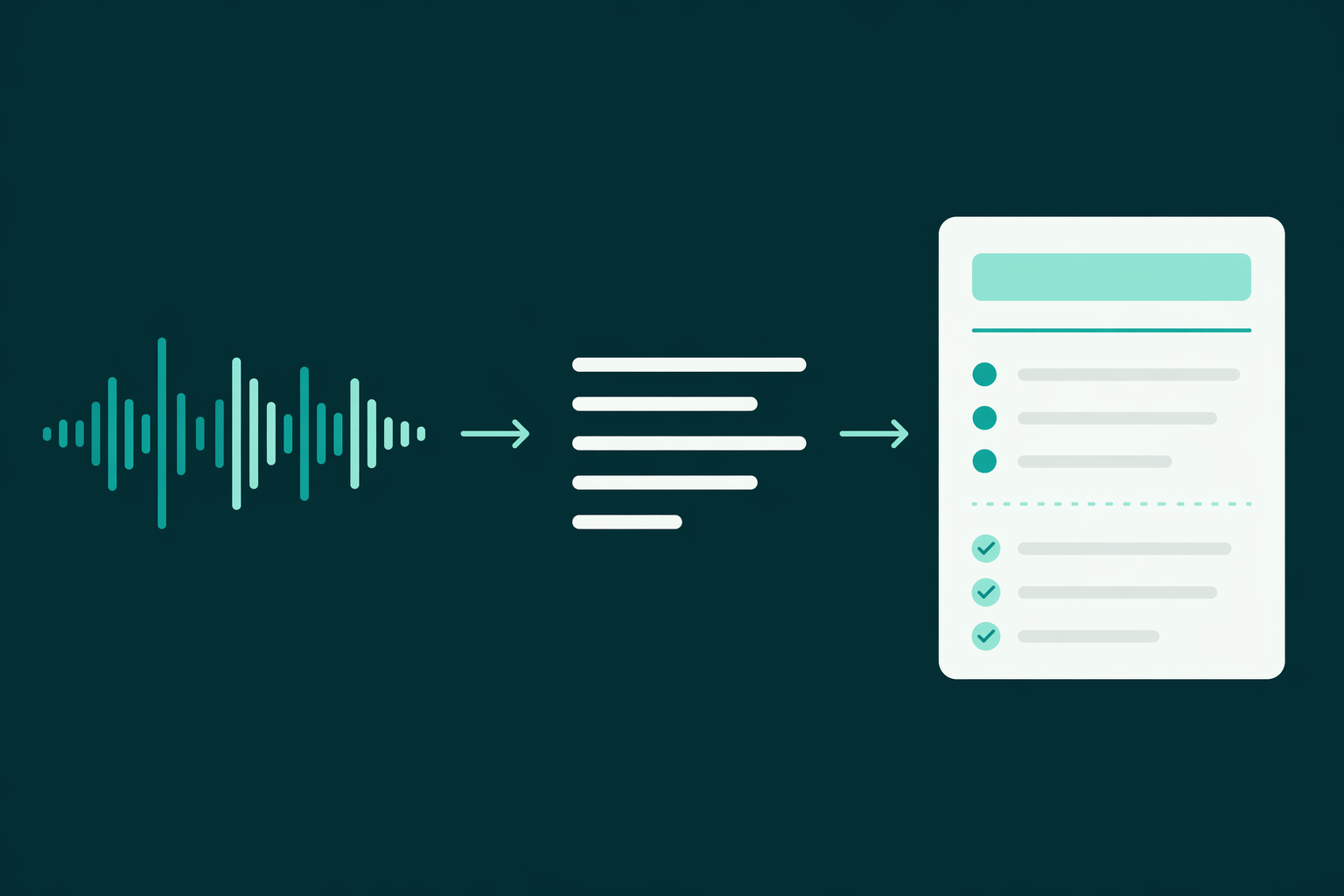
The recording felt like the responsible choice. Now it's Thursday, someone asks what you agreed on Monday, and the answer is buried somewhere in a 47-minute audio file. Scrubbing back through it to find the one sentence that mattered is slower than if you'd just scribbled notes in the meeting.
A recording isn't notes. It's notes you still have to make. The good news is the making is now mostly automatic: transcribe the audio, structure it into Markdown, and you've got something searchable, shareable, and ready to hand to an AI for a summary or action-item list.
There's one hard constraint that shapes the whole workflow, and most people hit it by surprise: ChatGPT and Claude won't take your audio file. Audio and video aren't accepted as uploads, per OpenAI's file uploads documentation. So "just paste the recording into ChatGPT" isn't an option. Transcription-to-text is a required step, not a nicety.
This is the workflow that turns a recording into notes you'll actually use, and the mistakes that quietly ruin it.
Why the raw transcript isn't the finish line
The first instinct, once you learn you can't upload the audio, is to grab any transcript and call it done. Then you open it: a single unbroken block of text, hundreds of lines of "yeah, so, um, I think what we should probably do is", no headings, no paragraphs, and if two people talked over each other, no clear sense of who said what.
That block is technically the content and practically useless. You can't skim it. You can't find the decision. And when you paste it into an AI and ask for a summary, the model has to impose structure that was never there, which is exactly when it starts inventing action items nobody assigned.
Structure is the difference between a transcript and notes. Markdown is how you add it cheaply: headings for topics, a speaker label where it matters, bullet lists for decisions, a checklist for action items. The same reason Markdown works for RAG applies here, structure is what makes text usable by both humans and models.
Practical rule: a transcript answers "what was said." Notes answer "what do I do now." Markdown structure is how you get from the first to the second.
The four-step workflow
1. Record with the transcript in mind
Transcription quality is set at capture. Record as close to the speakers as you can, ask people not to talk over each other on important points, and if names or numbers matter, say them clearly. Ten seconds of "let me repeat that figure for the recording" saves ten minutes of fixing a mis-transcribed number later. Save as MP3, WAV, or M4A, the formats every transcriber handles.
2. Transcribe to text
Run the audio through a transcription step to get raw text. This is where an audio-to-Markdown converter earns its place: it transcribes and outputs structured Markdown in one pass, rather than leaving you with a raw block to format by hand. Whatever tool you use, keep the audio file until you've verified the transcript, you'll want to re-listen to anything the transcriber garbled.
3. Structure it as Markdown
Turn the text into notes. For a meeting, that usually means: a title and date, a short summary, a decisions section, an action-items checklist with owners, and optionally the topic-by-topic detail. Here's the shape:
# Product sync — 2026-07-02

## Decisions
- Ship the export feature behind a flag next sprint
- Hold the pricing change until the Q3 data lands

## Action items
- [ ] Priya: draft the flag rollout plan (Fri)
- [ ] Sam: pull Q3 pricing data (next week)

## Notes
### Export feature
...
You can do this structuring by hand from the transcript, or hand the transcript to an AI with a prompt like "turn this meeting transcript into Markdown notes with a summary, decisions, and an action-item checklist with owners." The AI does this far better when the input already has some structure, which is the argument for producing Markdown at step 2 rather than a raw wall of text.
4. Use it, and keep it
Now the notes are Markdown, they drop straight into Notion, Obsidian, a wiki, or a shared doc, and they upload cleanly to ChatGPT or Claude for follow-up questions ("what did we decide about pricing?") without the model guessing at structure. One recording, one reusable artifact.
What "good notes" means depends on the recording
The structure that helps changes with the source. Match it to what you'll do with the notes.
- Meetings: lead with decisions and an action-item checklist with owners and dates. Nobody re-reads the discussion; they re-check what they committed to.
- Lectures and study: use topic headings and keep definitions and examples as sub-points. Structured lecture notes also make a clean source to quiz yourself against with an AI later.
- Interviews and research: preserve speaker labels and timestamps, you'll need to attribute and cite quotes. Don't collapse speakers into one voice.
- Podcasts and content repurposing: a heading-per-segment structure lets you (or an AI) pull show notes, quotes, and clips without re-listening.
Where this breaks, and how to catch it
Transcription is good, not perfect, and its failures are predictable. Heavy crosstalk turns into scrambled speaker attribution. Strong accents and specialized jargon produce confident wrong words. Names and numbers, the highest-stakes tokens, are exactly what a transcriber is most likely to mangle, because they're not in its language model's expectations.
So build in one verification pass. Skim the transcript against the recording for names, figures, and any decision you're about to act on. This is the single step people skip and regret, an AI-generated summary of a transcript with a mis-heard number is wrong in a way that looks completely authoritative. Ten seconds of hedging in the recording and thirty seconds of skimming after is the whole insurance policy.
Field note: verify names and numbers by hand, always. A transcriber's confident mistake on a figure becomes an AI's confident mistake in the summary, and neither flags it.
The short version
If you record meetings, transcribe to Markdown and lead with decisions and an action checklist; that's 90% of the value in the first 20% of the notes. If you're a student or researcher, keep topic headings and speaker labels intact so the notes stay a citable source. Either way, don't try to upload the raw audio to an AI, it won't take it, and don't trust a raw transcript, it's not notes yet.
The whole trick is doing the structuring once, up front, in a format that both you and your AI tools can read. Markdown is that format.
Frequently asked questions
Can I upload audio directly to ChatGPT or Claude?
No, audio and video aren't accepted as document uploads. Transcribe to text first, and ideally to Markdown, then upload that. See our guide to ChatGPT file limits for what is and isn't supported.
Why not just use the raw transcript?
A raw transcript is unstructured run-on speech, hard to skim and hard for an AI to summarize without inventing structure. Markdown headings, bullets, and a checklist turn it into actual notes.
What audio formats work?
MP3, WAV, M4A, and AAC cover most recorders and meeting tools. Video needs its audio extracted first.
How accurate is transcription?
Strong on clean single-speaker audio, weaker on crosstalk, accents, jargon, and noise. Always verify names and numbers by hand before relying on the notes.
If you'd rather skip the raw-transcript step, MarkdownConverters' audio converter transcribes MP3, WAV, and M4A straight into structured Markdown, ready to drop into your notes app or hand to ChatGPT.
Related reading
ChatGPT file upload limits
What ChatGPT accepts, and what it doesn't.
Markdown for RAG
Why structure makes text usable by AI.
Audio to Markdown converter
Transcribe recordings into structured notes.