
Best Markdown Writing App: Top Tools for 2026
Discover the best markdown writing app for your needs. We review 10 top tools for developers, writers, & researchers, covering LLM, academic, & API uses.
Beyond the blank page, users seeking a markdown writing app are often trying to solve a messier problem. You're not just choosing where to type. You're deciding how notes, drafts, citations, exports, scanned documents, and AI workflows will fit together without constant copy-paste cleanup.
That matters more now because writing tools increasingly sit inside larger document systems. The global Markdown Editor App market was valued at $1.2 billion in 2025 and is projected to reach $2.4 billion by 2034, with an 8.5% CAGR from 2026 to 2034, according to Market Intelo's markdown editor app market report. In practice, that growth reflects a simple shift: teams want stable, structured text that can move from drafting into search, publishing, RAG, and archival workflows.
The problem is that most roundups still judge these apps like isolated writing tools. They aren't. A strong markdown writing app becomes the center of a pipeline. It needs to work with git, citation managers, OCR conversion, internal knowledge bases, and sometimes legal or research review. If you're replacing Word-heavy habits, Sight AI's guide to Microsoft Word alternatives is a useful companion read.
1. Obsidian
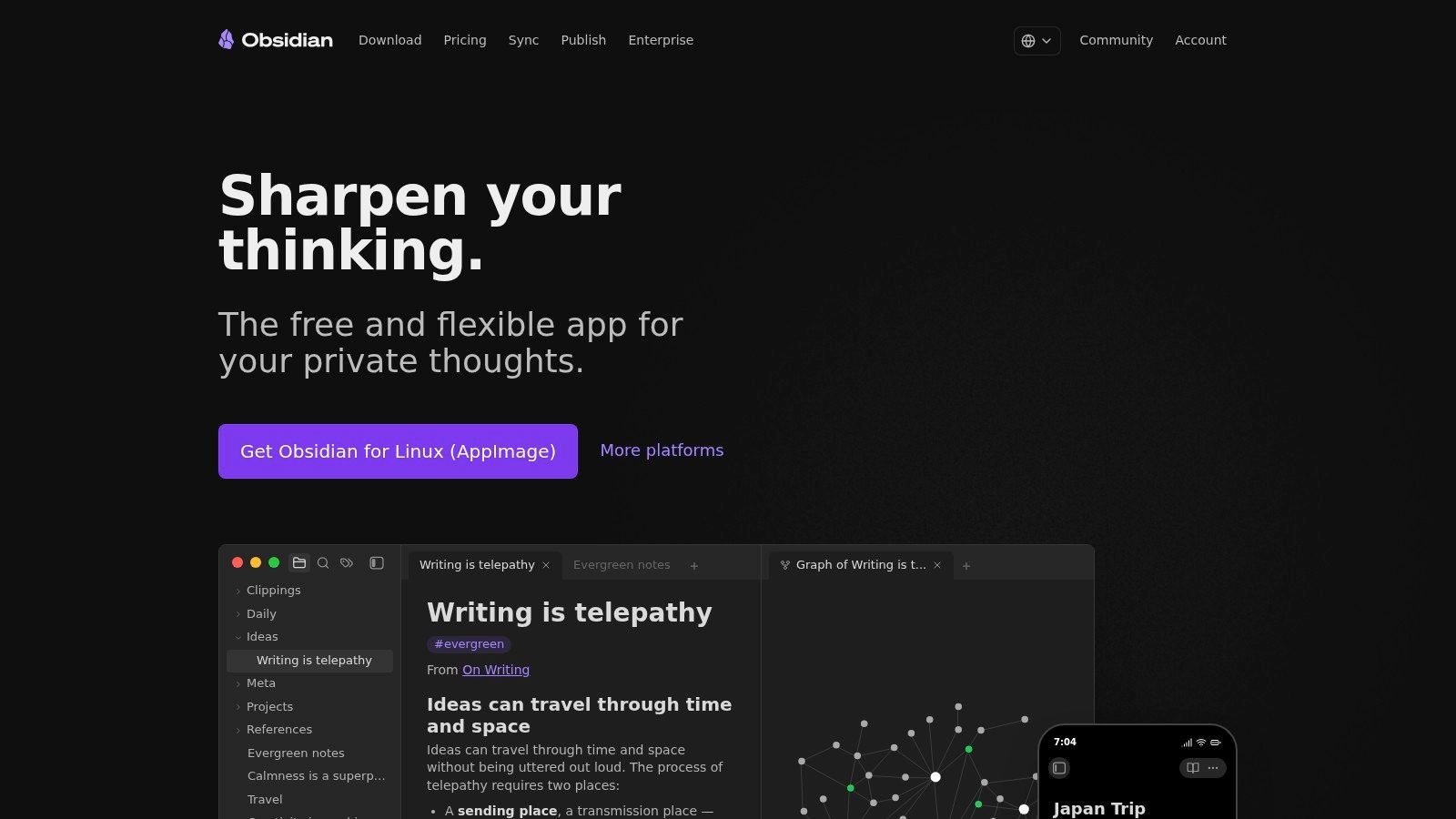
Obsidian is the markdown writing app I recommend when your writing is inseparable from your knowledge base. It stores notes as plain .md files in local vaults, which makes it unusually good for teams that care about portability, compliance review, or future migrations.
That local-first model matters more than aesthetics. If your notes need to feed a legal research archive, an internal technical docs repo, or a RAG corpus, plain files are easier to inspect, version, and preprocess than content trapped in a proprietary database. Obsidian also scales well from solo note-taking to sprawling document libraries because links between notes stay lightweight.
Why Obsidian works well in pipelines
Its plugin ecosystem is the reason many technical teams stay with it. Citations, Zotero connectors, Mermaid support, publishing tools, and metadata helpers all make it easier to turn a note vault into a working content system. If you want a broader comparison of editors built around similar file-based workflows, this guide to the best Markdown editors is worth reviewing.
Practical rule: Use Obsidian when the file system is part of the product. Don't use it if your team expects Google Docs style live collaboration on day one.
A few trade-offs are real:
- Best strength: Plain Markdown vaults stay portable across apps, repos, and conversion pipelines.
- Best add-ons: Sync and Publish extend the app well, but they're separate paid layers.
- Main weakness: Real-time collaboration isn't native in the way cloud-first editors handle it.
Obsidian is strongest when one person or a small team curates a body of connected documents over time. It's less convincing for fast-moving editorial groups who need simultaneous editing in the same file.
2. Visual Studio Code
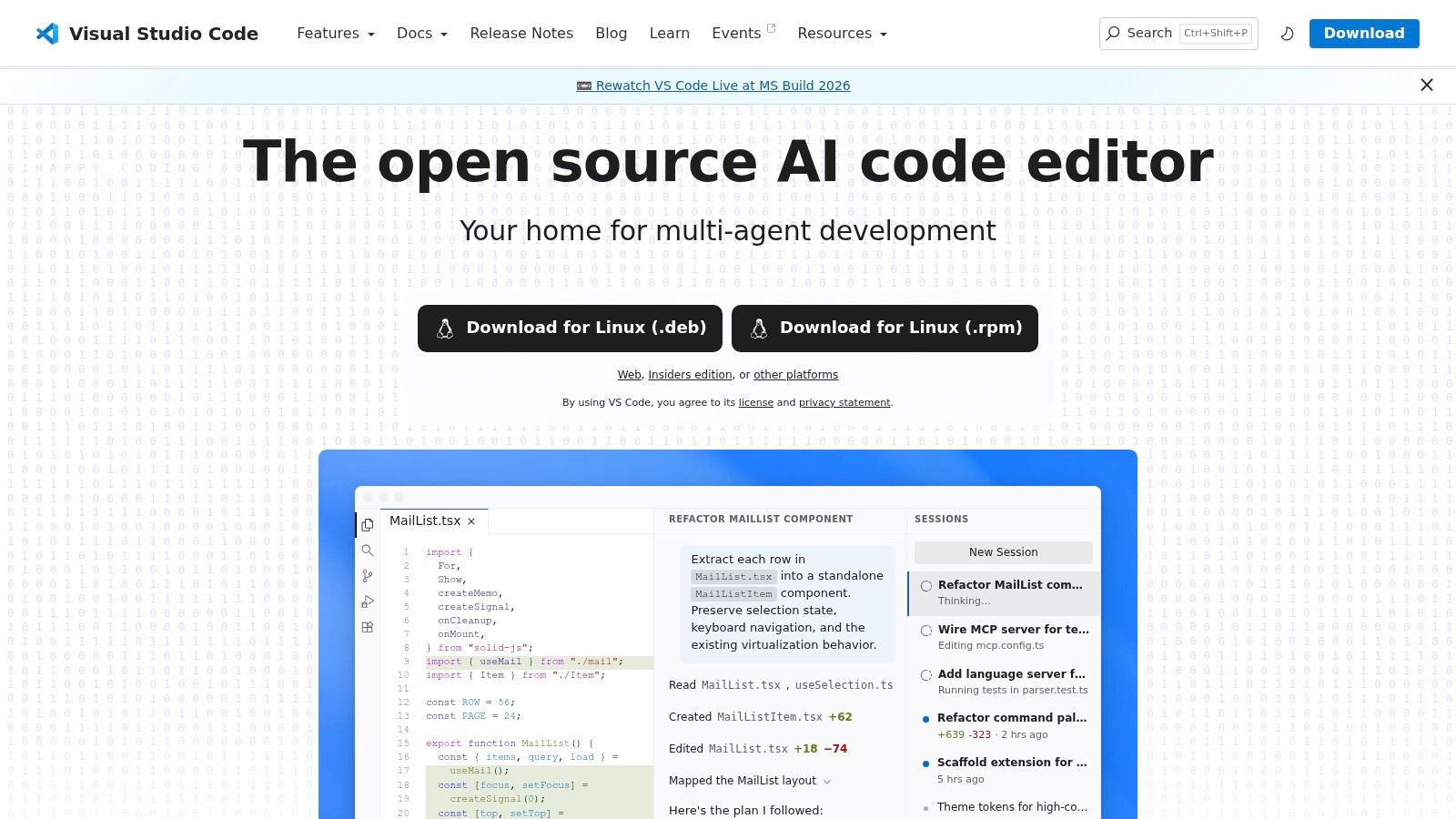
If your Markdown already lives in repositories, Visual Studio Code is hard to beat. It isn't a pure writing app, and that's exactly why it works so well for engineering docs, product documentation, README-heavy teams, and AI ingestion workflows.
The built-in preview is solid, but the bigger advantage is everything around the editor. Git diffs, linting, extension-driven previews, terminal access, and task automation all sit in the same workspace. That means your writing, QA, conversion scripts, and deployment logic can live together instead of being spread across separate tools.
Where VS Code pulls ahead
I tend to point technical writers toward VS Code when docs are part of software delivery, not just publishing. You can draft a page, validate links, check formatting rules, run a conversion step, and commit the result without leaving the editor. For Windows users comparing Markdown-friendly environments, this Windows markdown editor roundup is a useful companion.
Use VS Code if Markdown is part of your build chain. If writing is your only task, it may feel heavier than you need.
The trade-off is setup. VS Code becomes excellent after you choose the right extensions and tune the environment. Out of the box, it feels more like a code editor with Markdown support than a writing-first workspace.
A few practical fits stand out:
- Best for engineers: Markdown sits naturally beside source code, schemas, and CI config.
- Best for automation: Conversion and QA commands are easy to script before ingestion.
- Hardest part: New users can lose time configuring extensions instead of writing.
For teams building RAG systems, VS Code also makes preprocessing visible. That helps when you need to inspect chunking rules, front matter, or document structure before content reaches a vector store.
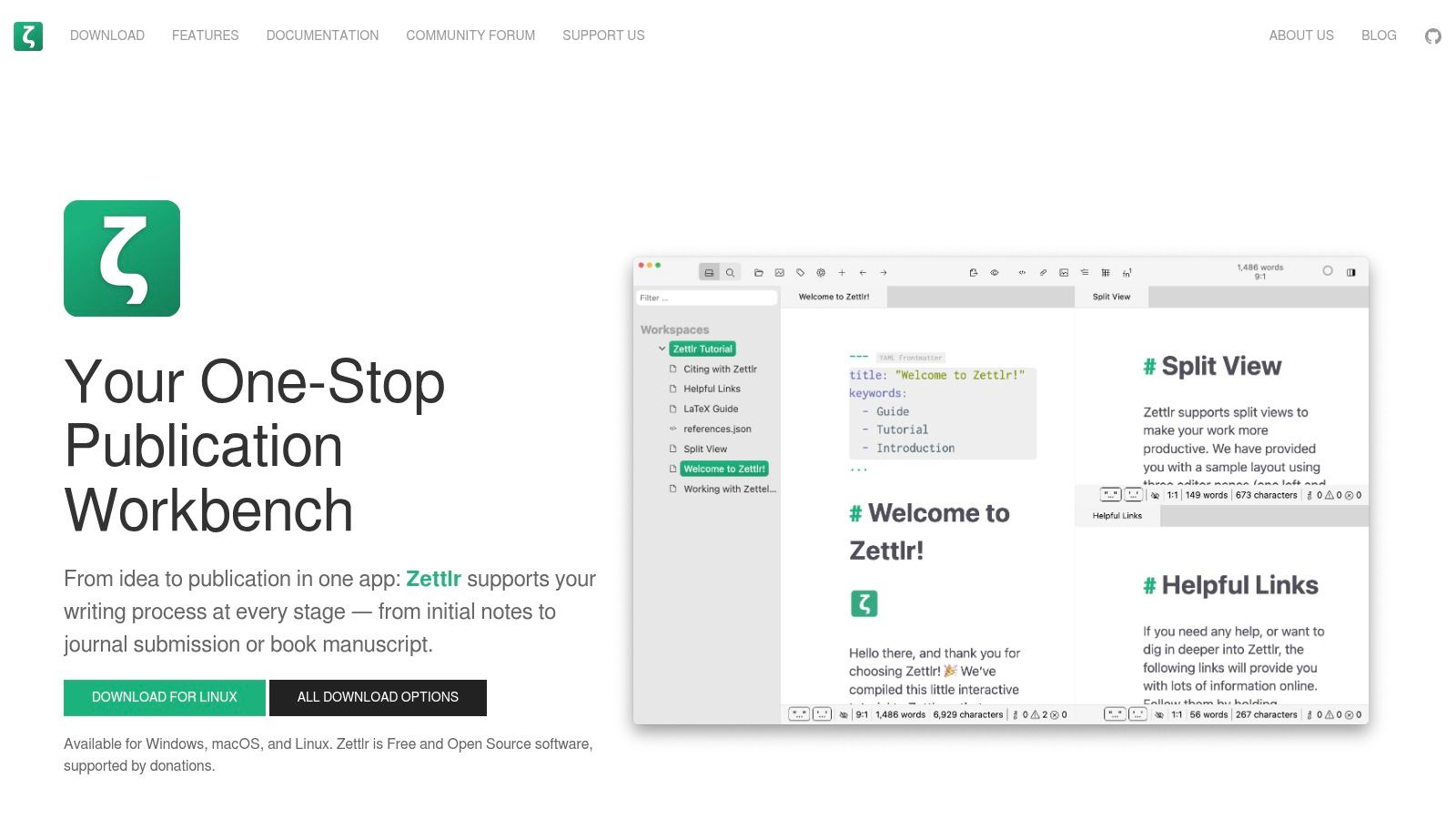
3. Zettlr
Zettlr is one of the few tools on this list that feels built for researchers first and general writers second. That focus shows up in the right places: citation support, Zotero integration, project organization, and Pandoc-driven export.
For academic writing, legal memos, and policy drafting, those are not side features. They determine whether your Markdown stays useful all the way to submission, internal review, or ingestion into a downstream archive. A lot of apps can produce clean prose. Fewer can hold structured references together without forcing a separate reference-management routine.
Best fit for citation-heavy workflows
Zettlr works well when your writing pipeline includes source tracking from the start. You can draft in Markdown while still keeping bibliographic control, which makes later exports and corpus cleanup less painful. That's especially helpful when the same material may be reused in papers, knowledge bases, or LLM-ready reference sets.
The app also feels more opinionated than Obsidian. That's a good thing for some users. You get research-oriented features without spending time assembling them through plugins.
Its limitations are straightforward:
- Strongest use case: Researchers who need Markdown plus citations in one place.
- Nice bonus: Pandoc export gives you flexibility when deliverables change late.
- Main drawback: The app can feel heavier than minimalist editors.
Zettlr won't win on polish alone. It wins when references, notes, and final documents all need to stay connected. For research teams, that's often the difference between a useful markdown writing app and one that becomes a temporary drafting layer.
4. HackMD
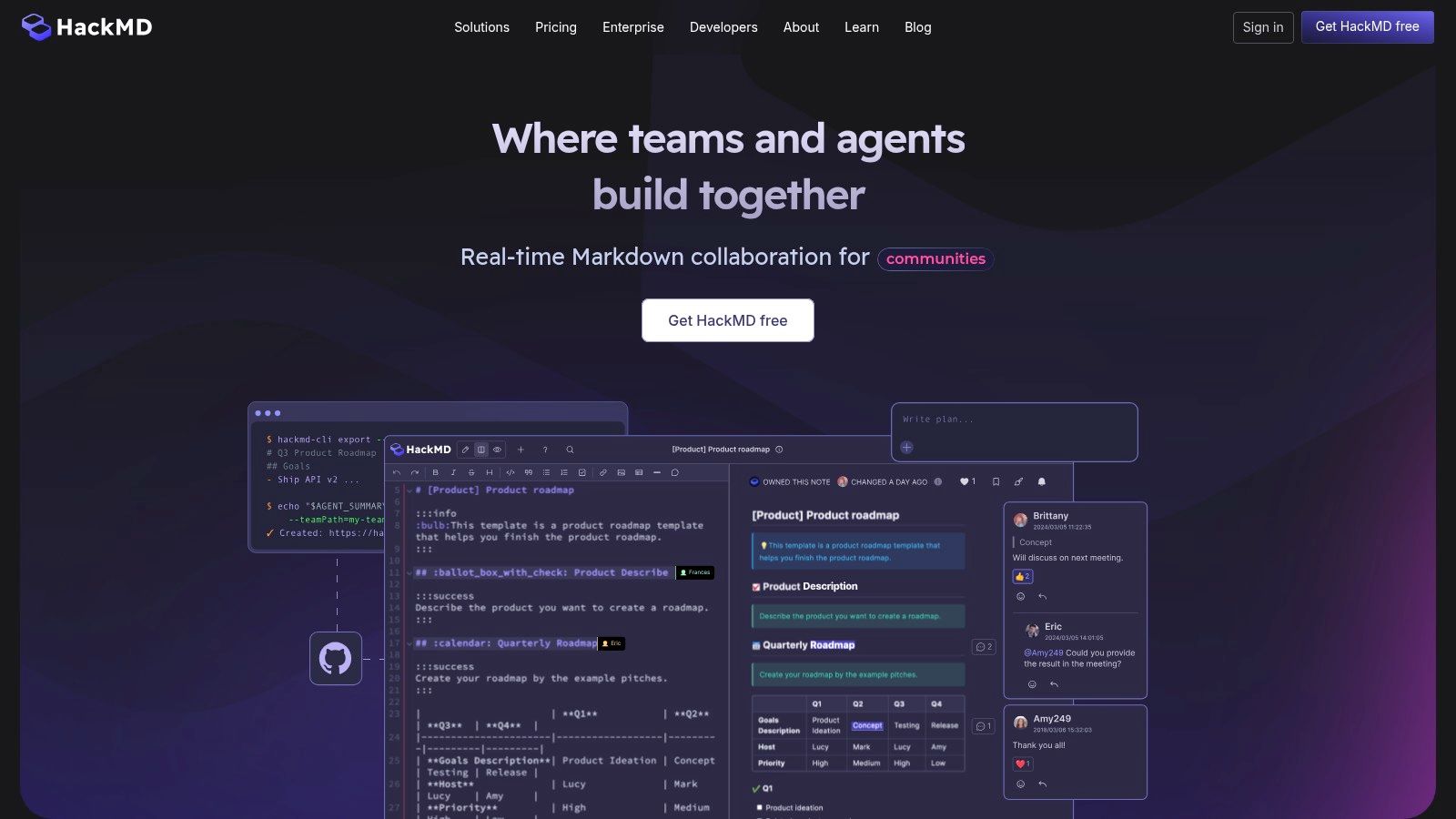
HackMD solves a different problem from most desktop editors. It's built for shared drafting. If your team writes runbooks, SOPs, architecture notes, onboarding docs, or incident documentation together, HackMD's web-first approach feels much closer to the way people already collaborate.
That makes it a practical markdown writing app for cross-functional teams that don't want to teach everyone git or ask nontechnical reviewers to install desktop software. Open a link, edit together, comment, version, and publish. For many organizations, that convenience outweighs the appeal of local-first storage.
When collaboration matters more than local control
HackMD is strongest when one document passes through several hands quickly. Product managers, engineers, analysts, and reviewers can all work in the same Markdown file with less friction than repo-based workflows usually create.
This category also aligns with broader market movement. The global writing app market was valued between USD 1.5 billion and USD 4.96 billion in 2024 across different industry reports, with projections ranging from USD 3.2 billion by 2033 at a 9.2% CAGR to USD 15 billion by 2035 at a 10.6% CAGR, according to Wise Guy Reports' writing app market analysis. That growth reflects how structured writing tools are moving beyond solo authors into professional team workflows.
Cloud-first Markdown works best when review speed matters more than offline control.
A few trade-offs are hard to ignore:
- Best strength: Real-time co-editing lowers friction for mixed technical and nontechnical teams.
- Useful integrations: GitHub, GitLab, APIs, and publishing features make handoff easier.
- Main limitation: Offline workflows and local ownership are weaker than in file-based apps.
HackMD is not my first pick for private research vaults or heavily regulated archives. It is one of my first picks for collaborative operational writing.
5. Typora
Typora stays popular because it removes the usual tension between raw Markdown and visual writing. Instead of splitting editing and preview into separate panes, it renders formatting in place. For many people, that makes Markdown feel less like syntax and more like writing.
That sounds minor until you're drafting tables, equations, or structured sections under deadline. Typora lets you keep the cleanliness of Markdown without staring at markup the whole time. If someone wants a markdown writing app that feels closest to a traditional document editor, this is often the easiest recommendation.
What Typora gets right
Typing in Typora feels smooth in a way many feature-rich tools don't. The interface gets out of the way, exports are reliable, and the live preview reduces context switching while drafting. That's especially useful for policy briefs, articles, and internal reports where the writer cares about presentation during composition.
The trade-off is that Typora is mostly an editor, not a system. It doesn't give you a note graph, a team workspace, or a knowledge base model. You manage files yourself, and for some users that's perfect.
A quick summary of the fit:
- Best for focused drafting: The writing experience is cleaner than most alternatives.
- Best export use: Fast handoff to PDF, Word, or other formats.
- What it lacks: Collaboration and deeper organization are largely your responsibility.
Typora works best when your workflow is simple on purpose. Draft cleanly, export cleanly, move on. If your process needs richer metadata, shared editing, or research linking, you'll probably pair it with something else.
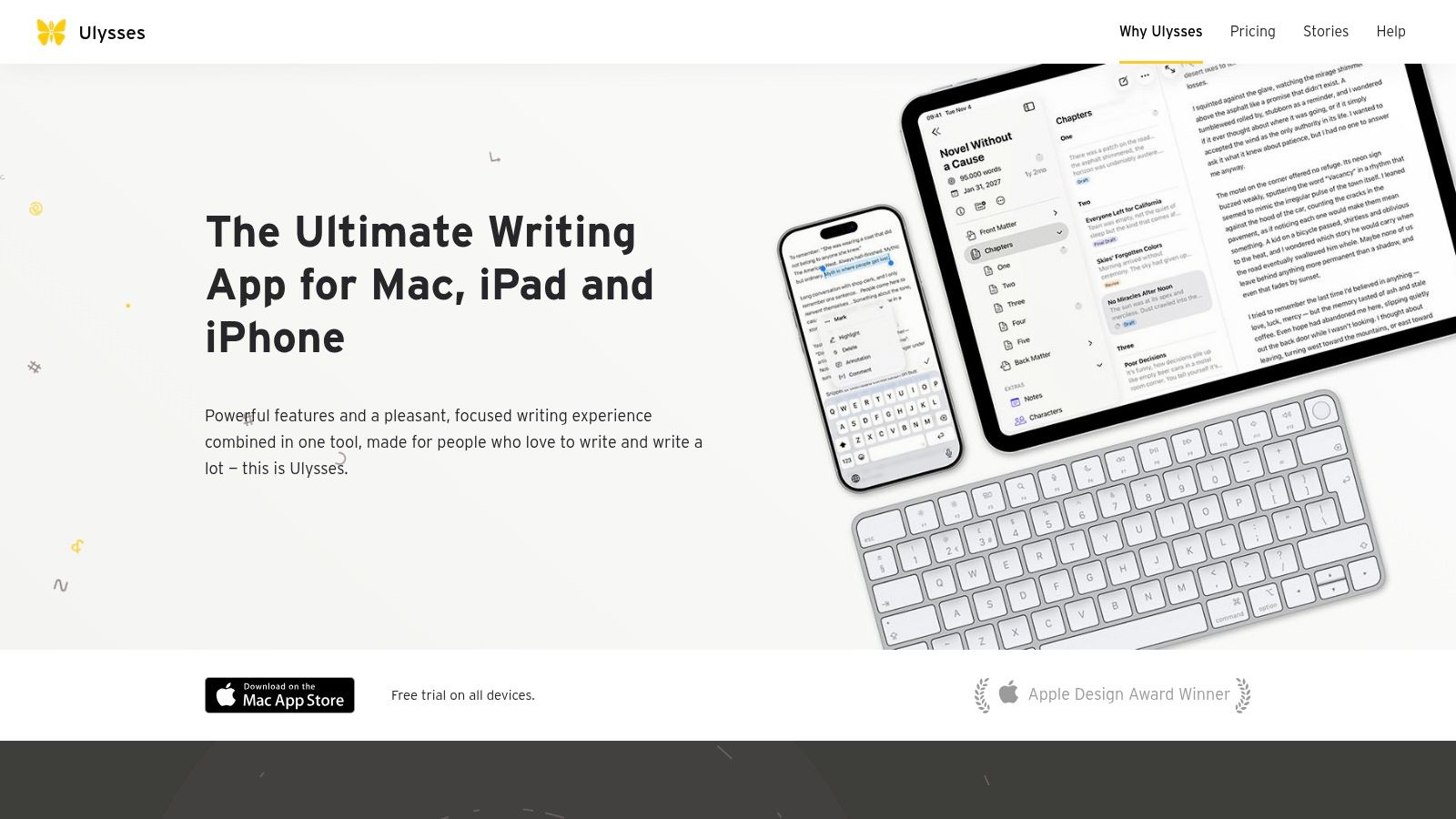
6. iA Writer
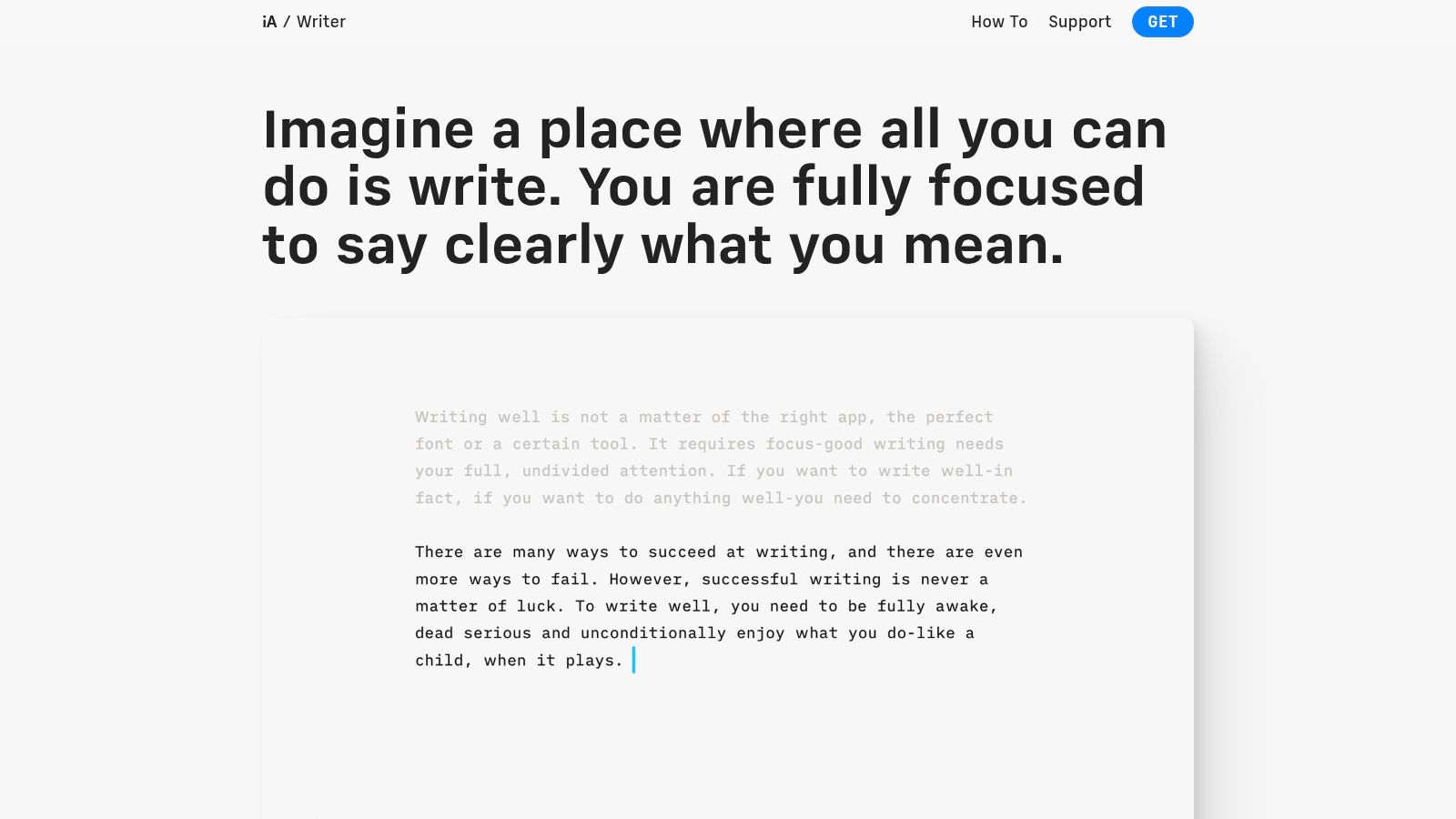
iA Writer is what I reach for when the objective is to produce strong prose in Markdown and not think about the tool. It has a long-standing reputation for staying narrow in scope, which is a strength, not a weakness.
The app is available across Mac, Windows, iOS, and iPadOS, and it keeps the writing surface clean. Focus mode, syntax highlighting, templates, and export options help without pushing you toward building a whole note-management system around your draft. That makes it a strong markdown writing app for briefs, essays, memos, and opinionated long-form work.
Best for disciplined drafting
A core value in iA Writer is output consistency. Plain-text files remain portable, formatting stays predictable, and the environment doesn't tempt you into over-organizing. For content that will later move into LLM workflows, that predictability matters.
Expert analysis from Web2MD's roundup of Markdown apps for AI workflows argues that the most productive setup combines a dedicated writing tool such as iA Writer or Obsidian with a specialized Markdown conversion utility for web pages, scanned PDFs, and mixed document types. The same analysis notes that token-efficient Markdown can reduce token usage by up to 70% compared with raw PDF or HTML ingestion when conversion is handled well.
That pairing matches what works in practice. iA Writer is excellent at the drafting layer. It is not the ingestion layer.
- Best strength: Minimal interface supports sustained writing.
- Good downstream fit: Portable Markdown works well for later processing and cleanup.
- Main drawback: Organizational features are limited compared with PKM tools.
If you want one app to think for you, this isn't it. If you want one app to stop interrupting you while you write, it often is.
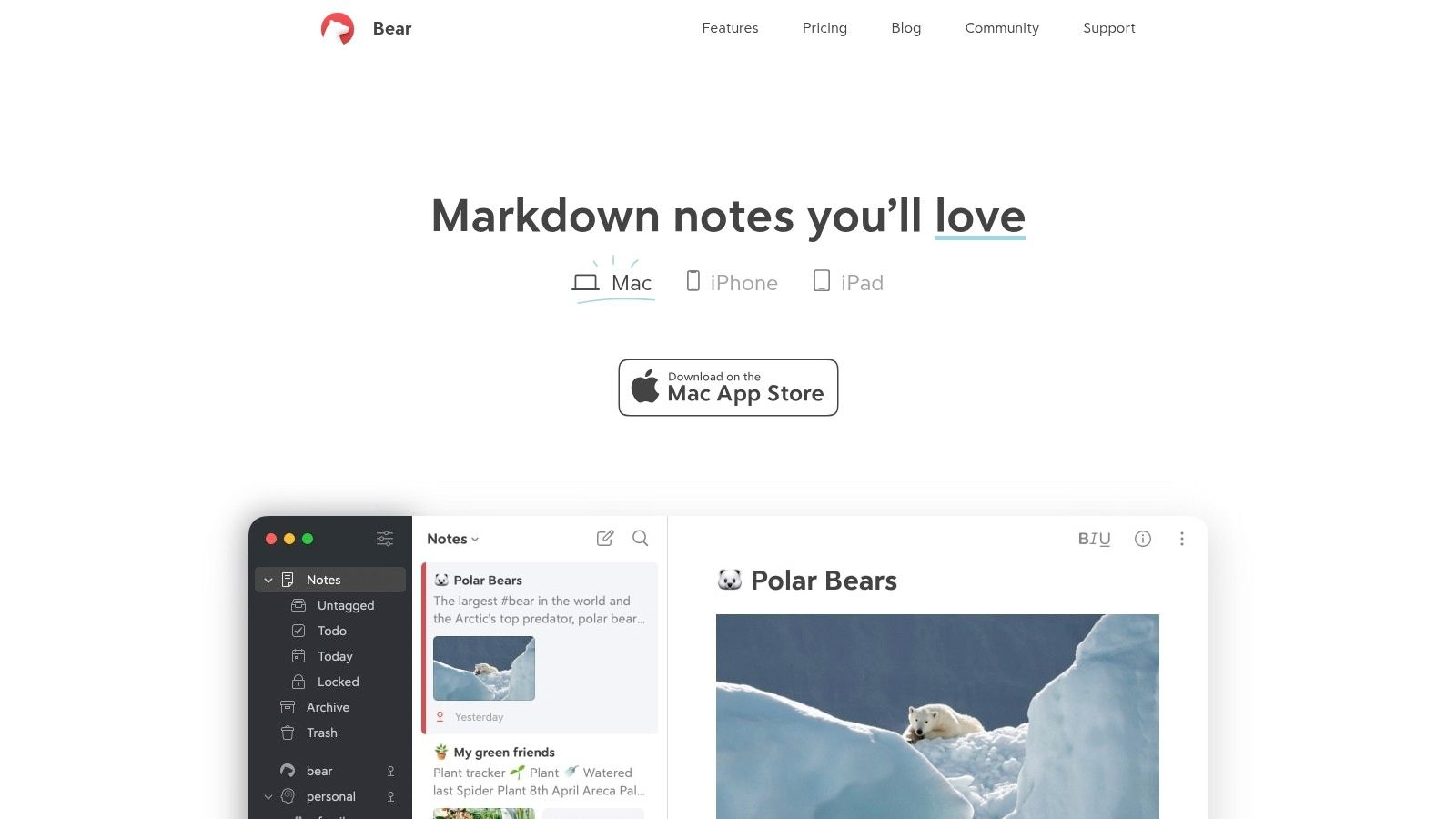
7. Ulysses
Ulysses is the most polished long-form writing environment on this list for Apple users who want a managed library instead of raw folders. It uses Markdown under the hood, but the daily experience feels more like a premium writing studio than a plain file editor.
That distinction matters. Ulysses is less about file-system purity and more about project flow. If you're writing reports, manuscripts, or serialized content across Apple devices, its library, goals, filters, and export styles make long projects easier to manage than they are in stripped-down editors.
Where Ulysses fits
Writers who like structure usually get along with Ulysses quickly. You can manage large projects, set goals, sort by keywords, and export polished output without assembling a custom setup. For people still learning how Markdown behaves in a publishing context, this Markdown basics guide helps explain why that underlying format still matters even inside a polished app.
The cost of that polish is flexibility. Ulysses is Apple-only, and its library-centered workflow is less transparent than tools that expose every file directly in your folders. If your pipeline depends on raw Markdown files being immediately available to scripts, repos, or external processes, that can be limiting.
The more your workflow depends on direct file access, the less natural Ulysses feels.
The fit is clear:
- Best for Apple-only long-form writing: Reports, manuscripts, and structured article pipelines.
- Best nontechnical benefit: Organization is excellent without becoming fussy.
- Main limitation: It's less ideal for file-centric automation or mixed-platform teams.
Ulysses is easy to recommend for writers. It's harder to recommend for teams building heavily automated document pipelines.
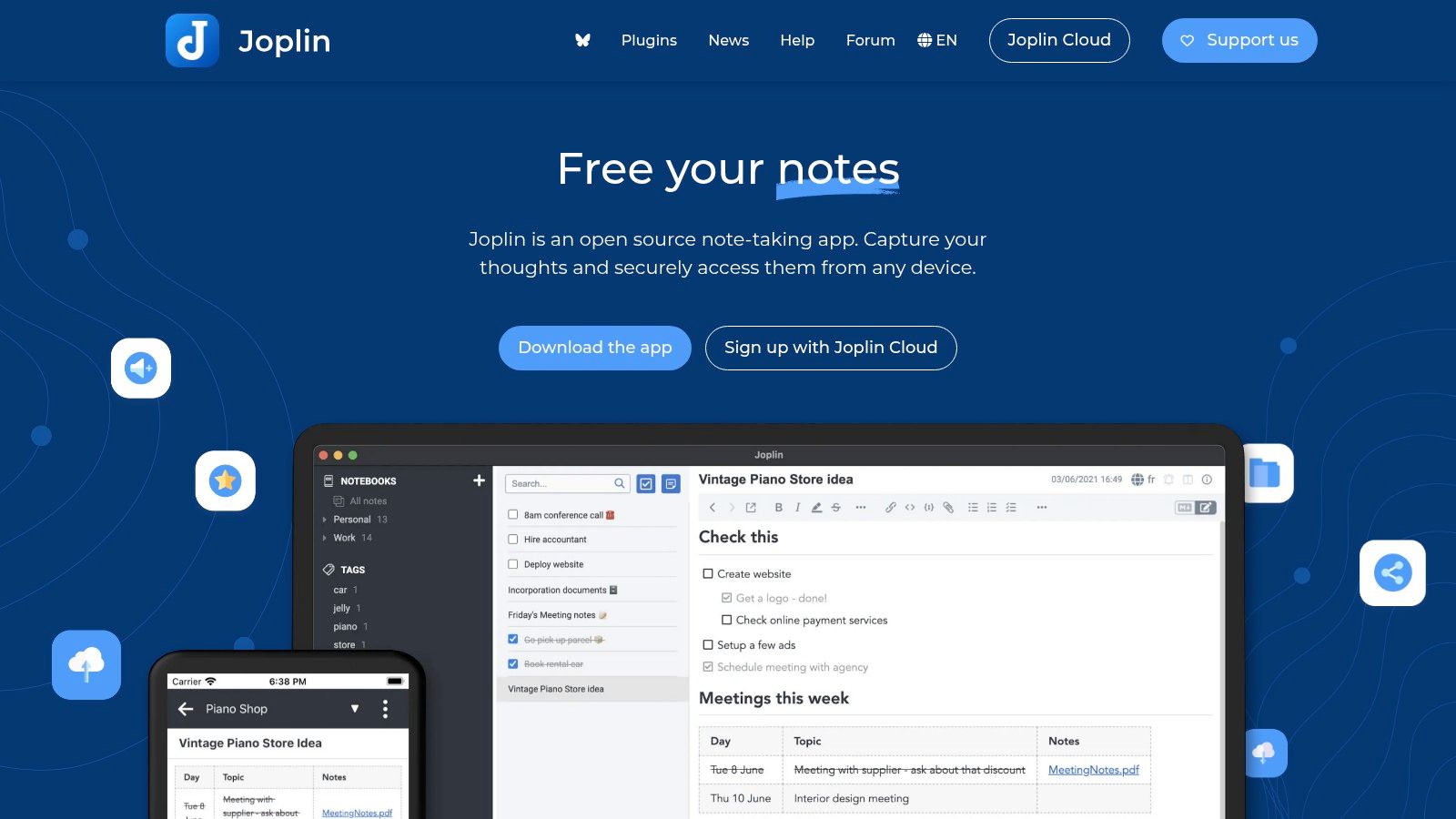
8. Joplin
Joplin sits in a practical middle ground between minimalist writing apps and full-blown knowledge platforms. It's open source, Markdown-based, cross-platform, and built with privacy in mind. For internal knowledge bases, that combination is unusually useful.
A lot of organizations don't need elegance first. They need control over sync, encryption, storage choices, and exportability. Joplin handles those concerns better than many consumer-first writing tools, especially when the goal is preserving internal notes that may later feed retrieval systems.
A strong privacy-first middle ground
Joplin supports end-to-end encrypted notes, plugins, web clipping, and several sync options, including self-hosted routes. That makes it attractive for privacy-sensitive teams who want a markdown writing app that can double as an internal document repository.
The downside is that the interface isn't as refined as Obsidian, Bear, or Ulysses. Collaboration is also more asynchronous than real-time. But many teams can live with that if the reward is stronger control over data location and storage patterns.
Its practical profile looks like this:
- Best for privacy-conscious teams: Encryption and flexible sync are core strengths.
- Good workflow fit: Notes remain useful for later export or ingestion.
- Main weakness: The editing experience feels more functional than polished.
Joplin is not the app I'd hand to a design-conscious editorial team. It is one I'd happily deploy for an internal knowledge environment that values transparency and portability.
9. Bear
Bear is excellent at getting you to write something quickly. That sounds basic, but it's a real advantage. The app is fast, visually calm, and organized around tags and backlinks in a way that encourages regular use rather than heavy process design.
For many people, Bear is less a final drafting environment and more a capture-first markdown writing app. Notes go in fast, structure builds gradually, and exports make it possible to move finished material elsewhere later. That's a strong fit for researchers, solo consultants, and Apple-centric professionals who collect ideas all day and formalize them later.
Best for capture-first workflows
Bear is especially useful when your workflow starts with fragments. Meeting notes, clipped excerpts, outlines, and small drafts can all live in one place without much overhead. Pro features such as OCR for images and PDFs, encryption, and richer export options make the app more capable in downstream processes than its minimalist look suggests.
That said, Bear still feels more like a notes tool than a project-scale writing environment. Long documents are possible, but they don't feel as naturally managed as they do in Ulysses or a repo-based editor.
A practical snapshot:
- Best strength: Fast daily capture with strong tagging and search.
- Useful downstream step: Markdown export supports later processing and ingestion.
- Main drawback: Database-style storage is less transparent than folder-based apps.
Bear works well when writing grows out of note-taking. It's weaker when you need a formal publication or documentation workflow to exist from the start.
10. StackEdit
StackEdit is the tool I suggest when desktop installation is the biggest obstacle. It runs in the browser, supports offline use as a PWA, and still treats Markdown as the center of the experience.
That makes it handy for contractors, external collaborators, students, and distributed teams who need a low-friction editor with sync options. Instead of spending time standardizing local environments, you can get people into the same Markdown workflow immediately.
Useful when installation is the bottleneck
StackEdit supports live preview, extended Markdown, diagrams, LaTeX, and sync with services such as Google Drive, Dropbox, and GitHub. Those integrations make it more useful than a barebones browser editor, especially when content needs to move between cloud storage and lightweight publishing flows.
It is not an enterprise administration product, and it doesn't try to be one. The interface is utilitarian, and organizations that need formal controls will usually prefer something else. But for quick adoption and broad access, it fills a real gap.
One industry issue is worth keeping in mind here. Existing content about Markdown apps tends to focus on writers and developers, while teams in legal, healthcare, and research often need OCR-to-Markdown fidelity and provenance for messy source material. IBM Community's discussion of Markdown documentation practices notes that 68% of enterprise RAG failures stem from unreadable or poorly structured source documents. StackEdit can help with editing and collaboration, but it doesn't solve that ingestion problem on its own.
- Best strength: Zero-install access for mixed teams.
- Good fit: External collaboration and quick drafting in standard Markdown.
- Main limit: Enterprise controls and deeper ingestion features are not the focus.
Top 10 Markdown Writing Apps: Feature Comparison
| Product | Core Features ✨ | UX / Quality ★ | Value / Price 💰 | Target Audience 👥 | Standout / USP 🏆 |
|---|---|---|---|---|---|
| Obsidian | Local .md vaults, graph view, huge plugin ecosystem, optional Sync/Publish | ★★★★ | 💰 Free core; Sync/Publish paid | 👥 PKM users, researchers, legal & engineering teams | 🏆 Local-first portability + plugin power |
| Visual Studio Code | Extensible editor, Markdown preview, linting, CI/repo integration | ★★★★★ | 💰 Free | 👥 Developers & technical writers, automation pipelines | 🏆 Best dev tooling & automation for Markdown |
| Zettlr | Zotero/citation support, Pandoc exports, project stats | ★★★★ | 💰 Free / open-source | 👥 Academics, researchers, legal scholars | 🏆 Research-focused citations + export pipeline |
| HackMD | Real-time co-editing, versioning, GitHub/GitLab integrations, publishing | ★★★★ | 💰 Freemium; team/enterprise paid | 👥 Cross-functional teams, docs & SOPs | 🏆 Google-Docs-style collaboration in Markdown |
| Typora | True live WYSIWYM preview, multi-format export, themes | ★★★★ | 💰 One-time/affordable license | 👥 Focused writers, deliverable authors | 🏆 Polished live preview & distraction-free writing |
| iA Writer | Focus mode, syntax highlighting, cross-platform templates | ★★★★ | 💰 Paid (per platform) with trial | 👥 Writers, content editors, policy authors | 🏆 Clean typography & focus-oriented tools |
| Ulysses | Unified Apple library, goals/filters, extensive export styles | ★★★★ | 💰 Subscription (Apple-only) | 👥 Long-form authors on Apple devices | 🏆 Polished long-form workflow & exports |
| Joplin | End-to-end encrypted notes, web clipper, flexible sync/self-host | ★★★ | 💰 Free / open-source; cloud optional | 👥 Privacy-sensitive teams, self-hosters | 🏆 E2EE + self-hosting for compliance |
| Bear | Hashtags/backlinks, export options, OCR & encryption (Pro) | ★★★★ | 💰 Freemium; Pro subscription | 👥 Apple users, quick note-takers | 🏆 Elegant UI with OCR & strong exports (Pro) |
| StackEdit | In-browser PWA, live preview, Drive/Dropbox/GitHub sync | ★★★ | 💰 Free | 👥 Remote collaborators, users without installs | 🏆 Zero-install web access + broad sync integrations |
From App to Workflow Building Your Markdown Pipeline
The best markdown writing app rarely wins by features alone. It wins when it fits the full route your documents take. That route usually starts long before you type a heading and continues long after you click export.
Start with ingestion. Most real-world content doesn't originate as neat Markdown files. It arrives as PDFs, scanned exhibits, web pages, Word files, slide decks, email exports, spreadsheets, and photos of marked-up pages. If those inputs stay messy, your writing app inherits the mess. You end up manually cleaning source material, fixing broken structure, and compensating for text that never converted properly in the first place.
That gap matters even more in AI workflows. When a team wants to feed documents into search, summarization, or retrieval systems, formatting consistency stops being cosmetic. Headings need to stay headings. Lists need to stay lists. Tables need to remain legible. Chunk boundaries need to make sense. If the source material enters the system in a degraded state, the markdown writing app can only do so much.
This is why I treat ingestion and drafting as separate layers. For the writing layer, choose the app that matches your real working style. Obsidian works well when notes and knowledge links matter. VS Code fits repo-based documentation and automation. Zettlr makes sense for citations. HackMD suits collaborative drafting. Typora and iA Writer are strong when focus and clean output matter more than system-building. Ulysses works for polished Apple-only long-form work. Joplin, Bear, and StackEdit each solve specific access, privacy, or capture problems.
Clean writing apps don't fix dirty inputs. They only expose them more clearly.
A powerful ingestion layer is what turns those apps into part of a dependable pipeline. That's where Markdown Converters fits naturally. It transforms web pages and diverse file types into structured Markdown, and its AI Vision OCR handles scans, photographs, and handwritten notes that ordinary converters often mangle. The result is cleaner source material before you ever start drafting, editing, organizing, or feeding content into downstream systems.
That separation also makes your workflow more resilient. You can change writing apps later without rebuilding the whole process. If your drafts live in clean Markdown and your incoming files convert through one consistent layer, the rest of the stack becomes easier to maintain. That matters for legal teams tracking provenance, researchers preparing source corpora, healthcare teams handling scanned records, and AI engineers trying to keep retrieval stable.
In practice, the best setup is usually simple. Use one tool to normalize incoming material. Use one markdown writing app that matches how your team writes. Then pass clean Markdown forward into publishing, archival, or RAG workflows without reformatting the same document three different times.
If your documents start as PDFs, scans, web pages, or mixed office files, Markdown Converters is the missing layer between raw source material and a usable markdown writing app. It converts messy inputs into clean, AI-ready Markdown, supports OCR for difficult scans and handwritten notes, and gives teams a consistent pipeline for drafting, retrieval, and downstream LLM work.
Related Articles
Markdown Reader Windows: Best Tools for 2026
Markdown reader windows - Find the best markdown reader for Windows in 2026. Compare top tools to open, edit, and preview Markdown files effortlessly
Read articleTop 10 Windows Markdown Editor Free Tools for 2026
Find the best Windows Markdown editor free for your needs in 2026. Our list covers top tools for developers, writers, and LLM workflows, with detailed reviews.
Read article10 Best Windows Markdown Editor Options for 2026
Find the best Windows Markdown editor for your workflow. We review 10 top tools for developers, writers, and AI-data prep, from VS Code to Obsidian.
Read article